
Rio, the AI Assistant for StreamNative Cloud
Ask which clusters need attention, what a setting does, or why a connector is lagging.

Built Into the Console
No MCP client or setup — open the side panel and ask.
Sessions That Persist
Leave an investigation on Tuesday and pick it up on Thursday.
Human in the Loop
Dry-run, approval, and diff review before anything changes.
Meet Rio: The AI Assistant Built Into StreamNative Cloud
Rio brings a built-in, chat-style AI assistant to the redesigned StreamNative Cloud console for exploring and managing cloud resources conversationally.
• HOW RIO WORKS
A Conversational Way to Operate Real-Time Data
Rio is a built-in, ready-to-use AI assistant with a chat-style interface. Use it to explore, understand, and manage your cloud environment without leaving the console.
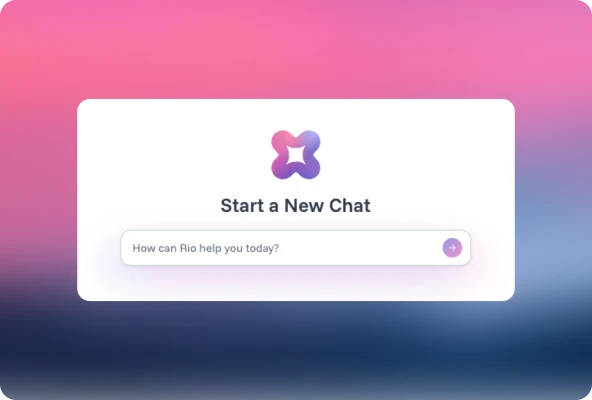
Launch Rio where you already work
Open Rio in a side panel from the StreamNative Cloud home page, or start a new interaction from the Sessions page. Both entry points connect to the same experience, so you can pick whichever fits how you are working.
No external MCP-compatible client to install or configure
Available today in Public Preview in the redesigned console
Ask questions in the context of your environment
Instead of visiting several resource pages to piece together context, just ask. Rio explores cluster health, configuration, and resource inventory across your organization and instances.
Discover which resources exist in an organization or instance
Review cluster health and understand how resources relate
Continue conversations across sessions
Rio organizes conversations as sessions. Start a new interaction, review previous sessions, and continue an earlier conversation — whether it began in the home-page panel or on the Sessions page.
One continuous history regardless of where the conversation started
Long-running investigations that persist across days
Bring natural language into SQL Workspace
Inside SQL Workspace, Rio works as a SQL assistant. Describe what you need in natural language, and Rio suggests SQL and retrieves real-time context from your streams.
Query data and retrieve real-time context conversationally
AI-generated SQL never runs without a human saying so
• USE CASES
What Teams Ask Rio
Take inventory across an organization
Ask what exists. Rio summarizes the instances and clusters in your organization, so you can see the shape of an environment without clicking through it.
Find out which clusters need attention
Ask which clusters need attention or why a connector is lagging. Rio reviews health and operational signals and points you to the resource that matters.
Understand what a configuration actually does
Ask what a setting means and how resources relate to each other. It is especially useful for people new to the platform and for experienced operators who want answers fast.
Investigate and act, with a human in the loop
Work through a troubleshooting question conversationally, then let Rio propose a change. Every change goes through dry-run, approval, and diff review before it is applied.
• THE PLATFORM
Rio Is the New Experience Layer for the StreamNative Data Platform
Data platforms have always had two interfaces: a console for people and APIs for software. Agents need a third — conversational, tool-based, and loaded with operational knowledge.
SQL Workspace
Postgres-compatible SQL directly on your streams. Rio works inside it as a SQL assistant.
VIEW DETAILSUrsa
The lakehouse-native streaming engine that powers both Kafka and Pulsar in StreamNative Cloud.
VIEW DETAILSStreamNative MCP Server
Typed, permissioned access to the platform for any MCP-compatible client, managed at the organization level.
VIEW DETAILSAgent Engine
The secure, governed runtime for AI agents to access and act on enterprise data in production.
VIEW DETAILS• RESOURCES
Learn More About Rio and StreamNative Cloud
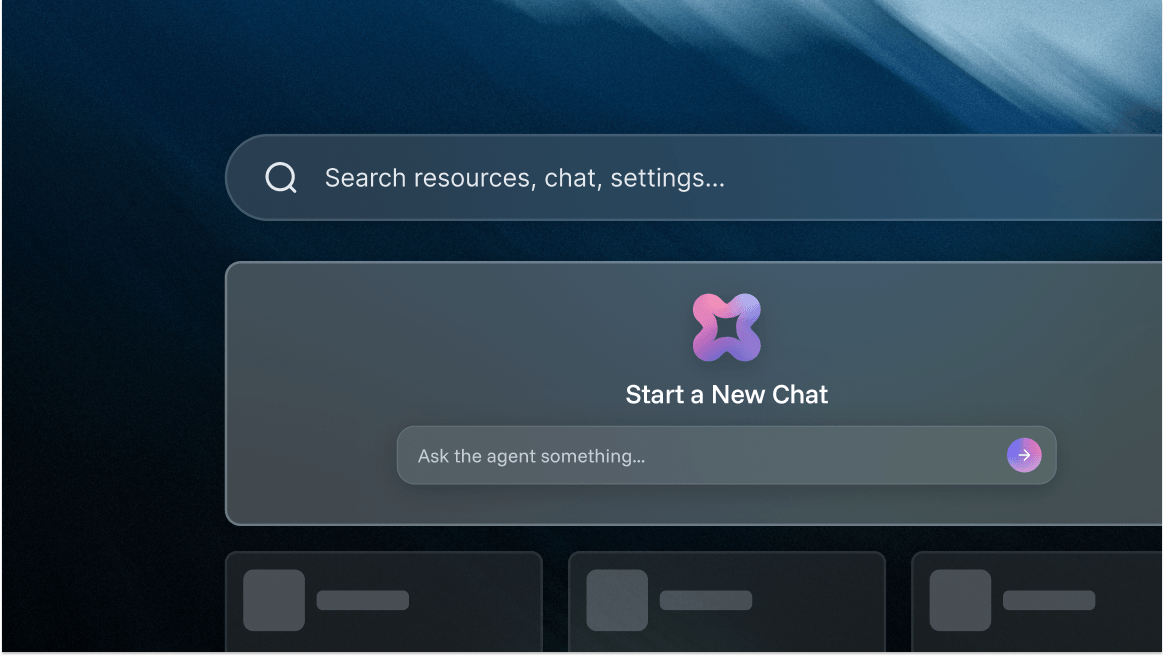
A New StreamNative Cloud Experience: Easier Navigation, Faster Operations, and AI-Powered Assistance
Models Are Commoditized. Context Isn't: Introducing the StreamNative Data Platform
Introducing StreamNative Agent Skills: From Connectivity to Expertise for the Agentic Era
FAQs
Rio is the AI mode of StreamNative Cloud: a built-in, ready-to-use AI assistant available through a chat-style interface in the console. It helps you explore, understand, and manage your cloud resources conversationally. The name is the Spanish word for river. Ursa is the engine underneath; Rio is where you work with your streams.
No. Because Rio is integrated directly into the StreamNative Cloud console, you can start interacting with it without configuring an external Model Context Protocol (MCP)-compatible client or creating a separate MCP setup. If you do want programmatic access from your own tools, the StreamNative MCP Server is also available.
Only with human approval. Rio is built cautious: changes go through dry-run, approval, and diff review, and AI-generated SQL never runs without a human saying so. An assistant on production infrastructure has to earn trust.
Yes. Rio is in Public Preview and available in the redesigned StreamNative Cloud console. Open it in the side panel on the home page, or start a new interaction from the Sessions page — both connect to the same experience.
Ursa is the engine underneath. Rio is where you work with your streams.
- Open the StreamNative Cloud console and click the Rio icon.
- Ask which clusters need attention or what a configuration does.
- Review the proposed change, then approve it.